Operations systems

Operations systems that take projects, planning and approvals out of people's notes

One system for your projects, orders and approvals, built around how your team already works, so deadlines, materials and sign-offs stop living in notes.

Operations systems

An operations system is custom software that puts a company's projects, tasks, materials and approvals in one place, for owner-led teams that have outgrown notes, chats and shared drives. Each project carries its own items, deadlines and owners, role-based access shows each person their part, and the owner sees every project's status in one view. For ToBeModern, a maker of kitchen and bathroom furniture that ran its operations from notes, we built a project dashboard with materials tracking per project; the first release took 3 months. A project starts with a call, then a scoped first release with clear acceptance criteria.

Sound familiar?

Where the work gets stuck.

  1. 01

    Every project lives in someone's notes, and when that person is off, nobody knows where it stands.

  2. 02

    A deadline slips because one item was forgotten, and nobody notices until the delivery date.

  3. 03

    Approvals travel by email, and nobody can say which version of the document was signed off.

  4. 04

    Planning next week means asking around: who is free, which project is at risk, who is booked twice.

  5. 05

    Generic project tools take longer to set up than the team has, so the work stays in notes and chats.

What we build

What we build.

  1. 01

    Operations platform for projects and tasks

    Every project in one place, with its items, materials, deadlines and owners, and a dashboard that shows the status of each one and who is working on it.

    ToBeModern Project and materials management for a furniture manufacturer View case study
  2. 02

    Approval and document workflows

    Proposals go out for e-signature from inside the system, and each approval is recorded with who gave it, so sign-offs stop living in email threads.

    EZBuild Taking over and growing an AI platform for residential contractors View case study
  3. 03

    Capacity planning

    A timeline of who is working on what, with a warning when someone is booked on two projects at once, so managers can plan next week before it starts.

  4. 04

    Internal CRM

    Your clients and their history in the same system as the work, with the fields and stages your team already uses instead of a generic sales pipeline.

How a project starts

Start with a conversation about the problem.

We first want to understand what is happening today. What follows depends on how clear the work already is.

  1. A conversation about the problem

    We start by understanding what happens today: how the work runs, which systems are involved and where it breaks.

  2. An assessment, if the scope is uncertain

    When several systems, unclear data or an undocumented process are involved, a short assessment maps the process, the risks and the options first.

  3. A focused first release

    When the workflow and systems are already clear, we agree a first result with acceptance criteria and start building it.

  4. Ongoing support

    After launch, we agree who fixes what, in which hours and how fast we respond.

Automation

Where automation helps.

Automation here does small, specific jobs. In EZBuild, an operations platform for home builders, an AI assistant answers a contractor's questions from their own projects and finances, with access rules enforced in the database, and voice notes from site visits become summaries and action items. In our capacity-planning work the system warns a manager when someone is booked twice. Where a tool you rely on already holds the data, we connect to it and build only what it cannot do.

Client reviews

What clients say about working with us.

Before you enquire

Frequently asked questions

An operations system is custom software that keeps a company's projects, tasks, materials and approvals in one place, shaped around how that company actually works. It replaces the notes, chats and shared drives a growing team outgrows. Each person sees the work that is theirs, and the owner sees the status of every project without asking around.

ToBeModern's project and materials platform took 3 months to its first release, which covered the core workflow; further features were added once the team was using it. When we take over a system that already exists, as with EZBuild, the first release under our team came about a month after the trial sprint began. The timeline for your system is set after a scoping call.

The first step is a call, and the build is quoted after scoping, not before. On the call we look at how work moves through your team today, what has to be in the first release, and whether an off-the-shelf tool would do the job. The quote then covers a defined first release with clear acceptance criteria.

If your work fits a standard task board, an off-the-shelf tool is cheaper and quicker to start, and we will say so on the call. Custom software makes sense when your work has its own structure, such as projects made of items with materials and dimensions, or approval chains with named roles, or when the team will not adopt a generic tool.

Yes. Where a tool you rely on already holds part of the data, such as an accounting package, a CRM or an industry-specific database, we connect to it through its API or exports and build only the part it does not cover. ToBeModern's system works alongside GibLab, which keeps the materials data. Which tools to connect and which to retire is decided during scoping, before any build starts.

Adoption depends on the system being easier than what it replaces. For ToBeModern we designed for a production team that had never used digital project management, with simple screens and each role seeing only its own work. For EZBuild, field staff and subcontractors get their own mobile apps instead of the full office system.

The code becomes yours on delivery, as the contract states, and the data in your operations system is yours from the start. ToBeModern's platform runs on the company's own server, not on ours. If you later move development to another team, the code and the database go with you, so there is no lock-in to us.

After launch we agree the support and the next features your team needs, based on how the system is used. ToBeModern first worked with us on a landing page, then on the operations platform, and has kept asking for new features since it launched. The first release covers the core workflow; the rest follows from what the team runs into.

You need an operations system if the problem is how work moves through your team: projects, tasks, deadlines and approvals. You need inventory and order management if the problem is how stock and orders move between warehouses and sales channels. Many companies need both, and we scope them on the same first call.

Tell us where projects and approvals get stuck.

On the first call we go through the problem, the systems involved and what a sensible first release would be.

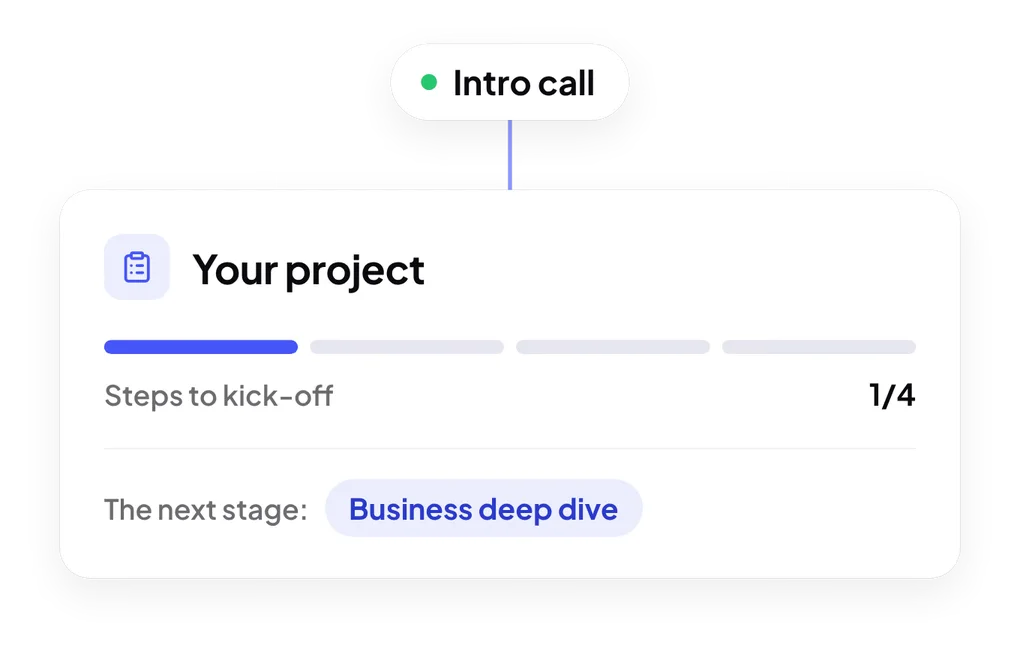
Steps to kick-off: intro call, business deep dive, proposal and discovery phase